
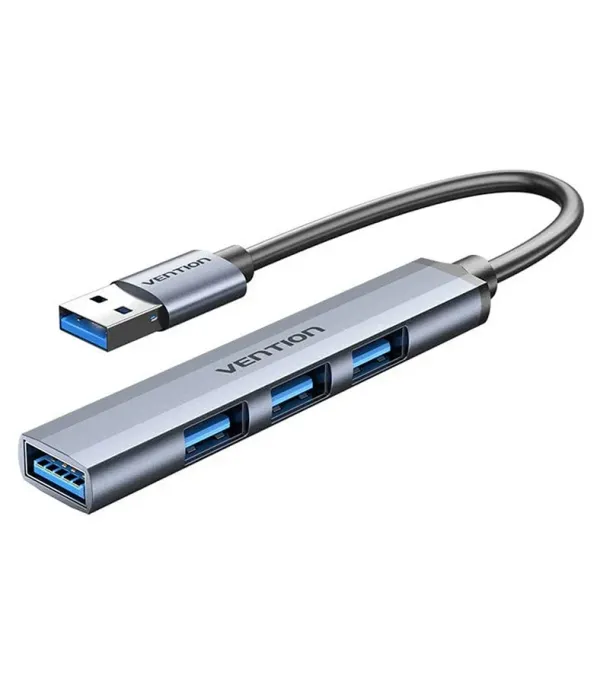
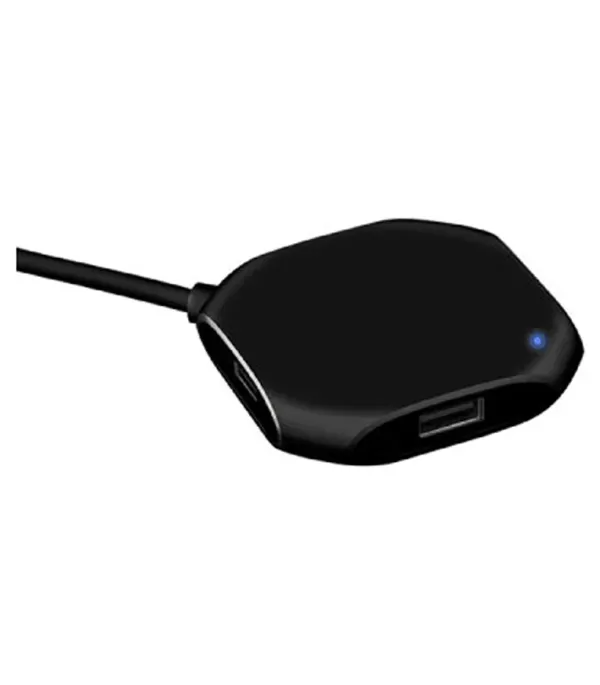
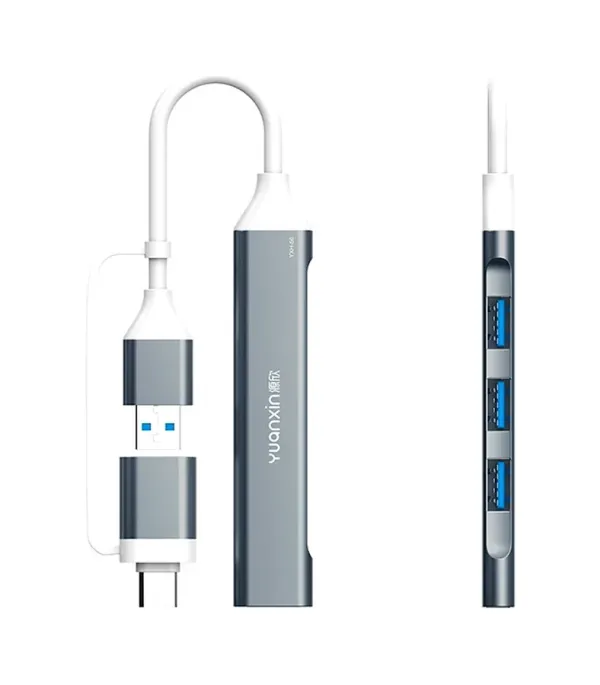
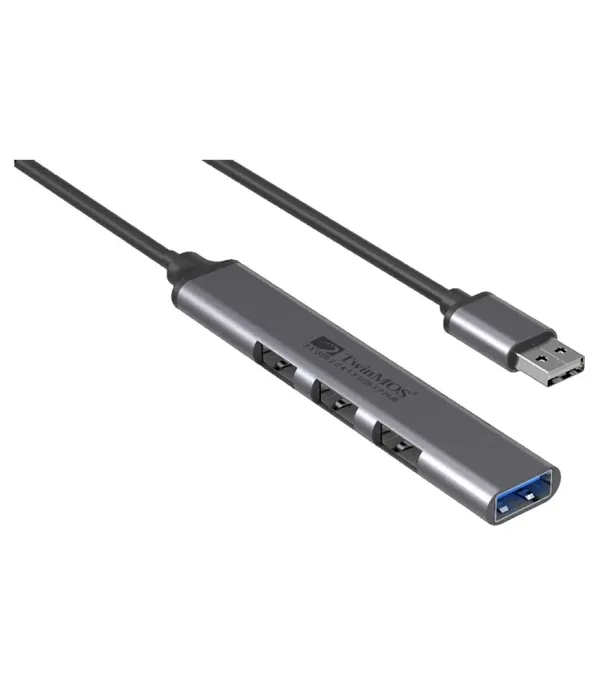
Expand Your Connectivity with USB Hubs
Why USB Hubs Are Essential
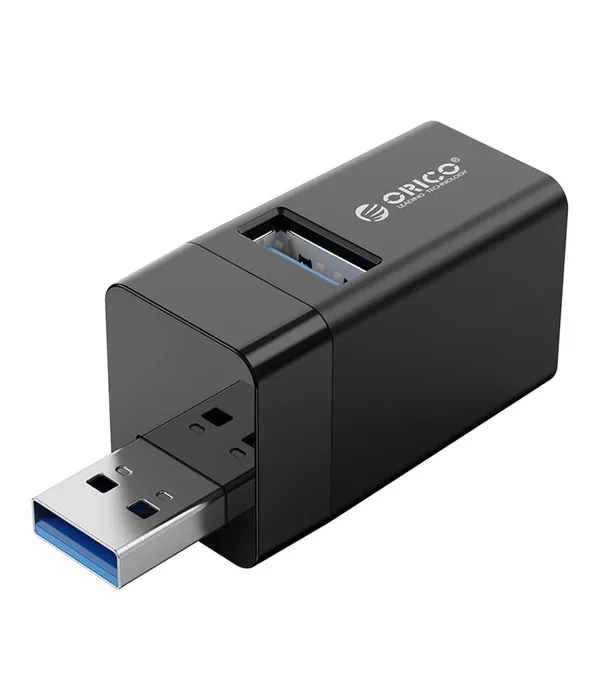
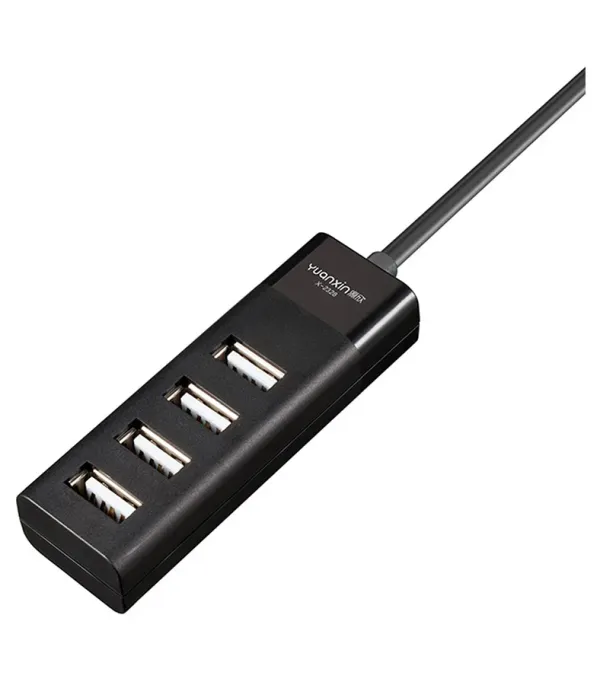
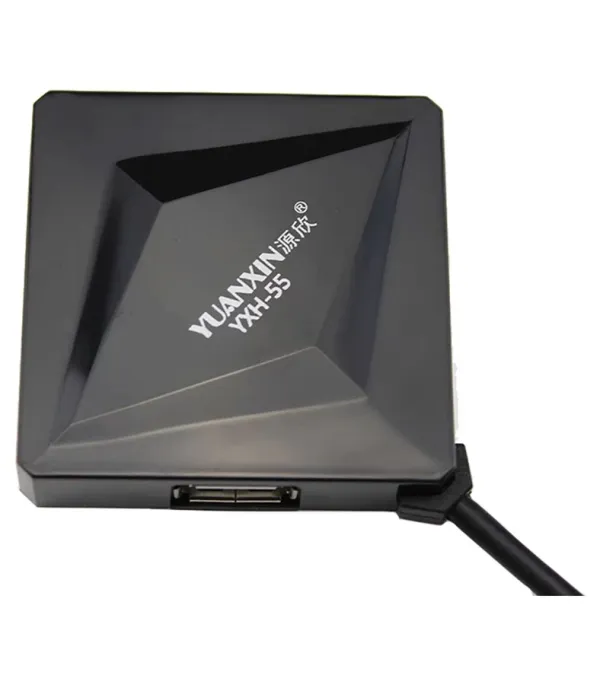
In a world where laptops and desktops often come with just a few USB ports, a USB hub becomes your go-to accessory. It lets you connect multiple devices—keyboards, mice, external drives—all at once without juggling plugs.
Types of USB Hubs
-
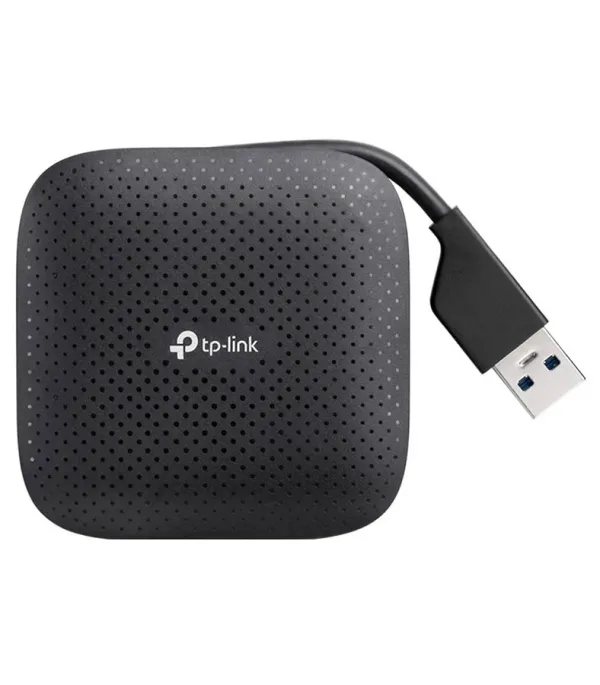
Bus‑Powered (Unpowered) Hubs: Draw power from your computer and work well for low‑power peripherals.
-
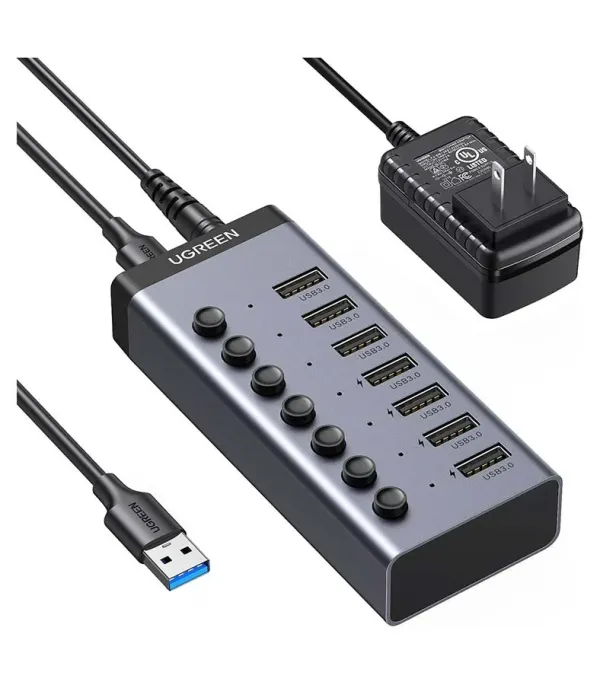
Self‑Powered (Active) Hubs: Come with their own power adapter, letting you run power-hungry devices like external drives.
-
Dynamic Hubs: Can switch between bus‑powered and self‑powered modes depending on whether external power is plugged in.
Key Features to Look For
-
USB Version & Speed: Choose at least USB 3.0 (5 Gbps) for fast data transfer.
-
Power Delivery: If you're connecting high-powered devices, go for a hub with its own power supply. l
-
Port Count & Type: Consider how many USB-A or USB-C ports you need, and whether you need a charging-only port.
-
Build & Reliability: Good hubs balance power output and data sharing to avoid disconnects.
Where USB Hubs Help You Most
-
Workstations & Home Offices: Expand connectivity for printers, keyboards, external storage.
-
Gaming & Streaming: Plug in controllers, webcams, headsets without running out of ports.
-
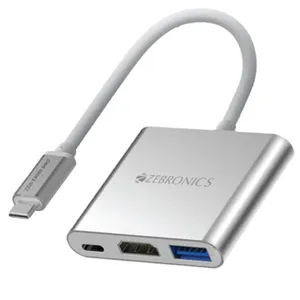
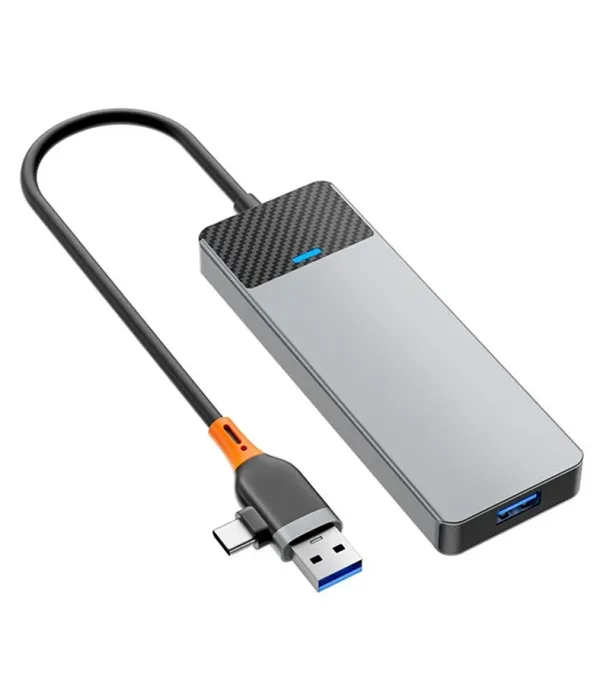
Travel & Portability: Compact USB-C hubs let you add multiple ports without carrying a bulky dock.
ইউএসবি হাব দিয়ে বাড়ান আপনার কানেক্টিভিটি
কেন ইউএসবি হাব জরুরি
আজকাল ল্যাপটপ বা ডেস্কটপে মাত্র কয়েকটি ইউএসবি পোর্ট থাকে। USB হাব আপনাকে একসাথে একাধিক ডিভাইস যেমন কীবোর্ড, মাউস, এক্সটার্নাল ড্রাইভ ইত্যাদি যুক্ত করার সুযোগ দেয়, প্লাগ বদলানোর ঝামেলা ছাড়াই। ইউএসবি হাবের ধরনের
-
বাস‑পাওয়ারড (Unpowered) হাব: কম শক্তির ডিভাইসগুলোর জন্য যথোপযুক্ত, কারণ এটি কম্পিউটার থেকেই পাওয়ার নেয়।
-
সেল্ফ‑পাওয়ারড (Active) হাব: নিজস্ব পাওয়ার অ্যাডাপ্টার থাকে, ফলে বেশি শক্তি খাওয়া ডিভাইস যেমন এক্সটার্নাল হার্ড ড্রাইভ চালানো যায়।
-
ডায়নামিক হাব: এটি বাইরের পাওয়ার থাকলে self-powered হিসেবে কাজ করে, নাহলে bus-powered হিসেবে চলে।
গুরুত্বপূর্ণ ফিচার যা দেখবেন
-
USB ভার্সন ও স্পিড: দ্রুত ডেটা ট্রান্সফারের জন্য কমপক্ষে USB 3.0 বেছে নিন (5 Gbps)।
-
পাওয়ার ডেলিভারি: শক্তি-চাহিদার ডিভাইসের জন্য নিজস্ব অ্যাডাপ্টার যুক্ত হাব বেছে নিন।
-
পোর্ট সংখ্যা ও ধরন: আপনি কতটি USB-A বা USB-C পোর্ট চাইবেন এবং চارجিং‑ওনলি পোর্ট দরকার কিনা সেটি নির্ধারণ করুন।
-
নির্ভরযোগ্যতা: ভালো মানের হাব এমনভাবে ডিজাইন করা হয় যাতে পোর্টগুলোতে শক্তি এবং ডেটা সমানভাবে ভাগ হয়, বন্ধ হয়ে যাওয়ার ঝুঁকি কমায়।ইউএসবি হাব কোথায় সবচেয়ে বেশি কাজে লাগে
-
ওয়ার্কস্টেশন ও হোম অফিস: প্রিন্টার, কীবোর্ড, এক্সটার্নাল স্টোরেজ ইত্যাদির জন্য কনেক্টিভিটি বাড়াতে।গেমিং ও স্ট্রিমিং সেটআপ: কন্ট্রোলার, ওয়েবক্যাম, হেডসেট একসাথে যুক্ত করার সুবিধা।
-
ভ্রমণ ও ছোট জায়গায়: পোর্টেবল USB-C হাব দিয়ে অতিরিক্ত পোর্ট যুক্ত করে ভরসাযোগ্য ডকিং ছাড়াই কাজ করুন।