
Cooling Pads
Why Laptop Cooling Pads Matter
In Bangladesh’s warm climate, laptops can heat up quickly—especially during long work sessions or gaming. A cooling pad helps draw away excess heat, keeping your device running smoothly and preventing performance dips or thermal throttling. With the right pad, you’ll enjoy better stability at the best price.
What to Look for in a Cooling Pad
-
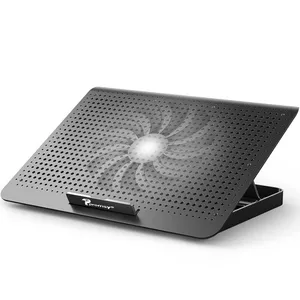
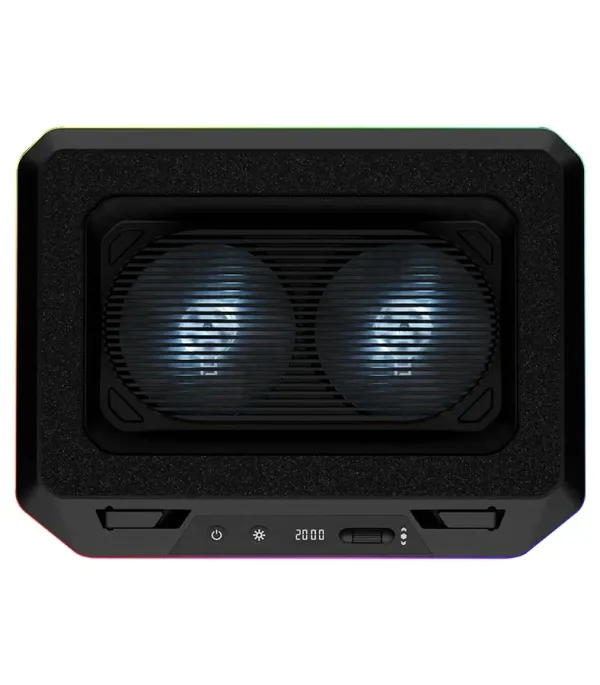
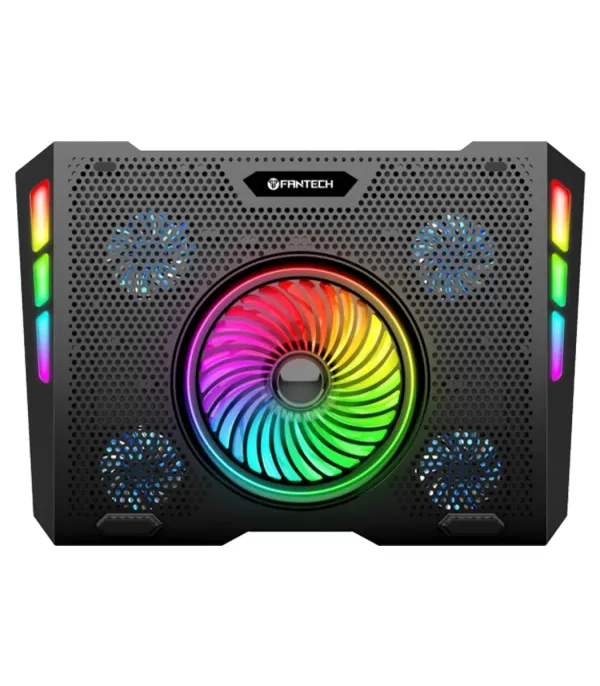
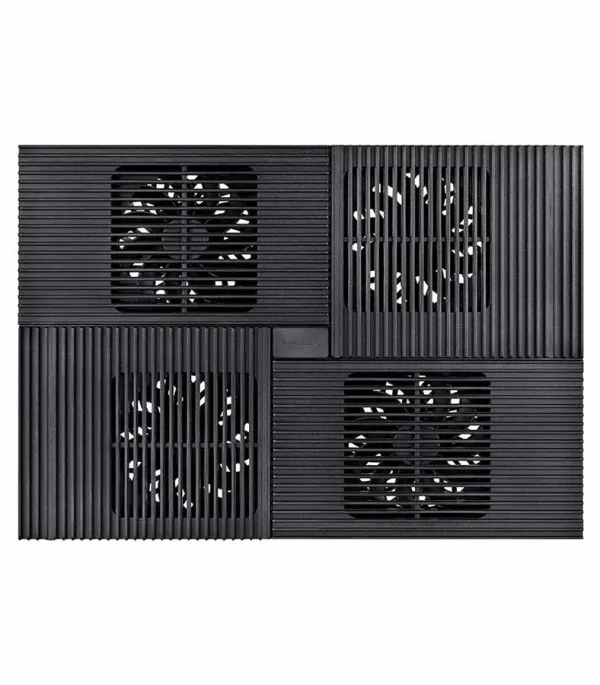
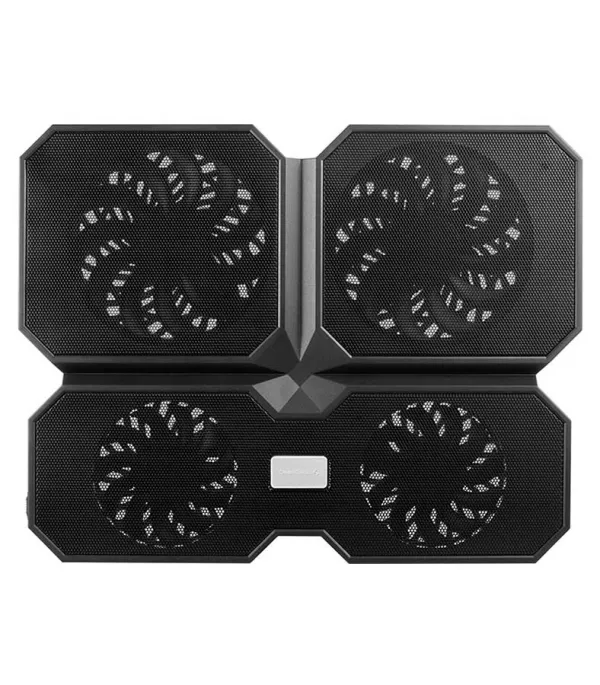
Fan Layout & Size: Dual or quad fan pads deliver stronger airflow; larger fans can be quieter yet effective.
-
Ergonomic Design: Adjustable height helps with typing comfort and reduces neck strain.
-
Noise Level: Aim for pads with low dBA if you work in quiet environments.
-
Build Material: Metal mesh helps dissipate heat, while plastic models are lighter and cheaper.
-
Extra Ports: Some pads have USB passthrough so you don't lose your laptop's port.
Popular Cooling Pads You’ll Find in Bangladesh
-
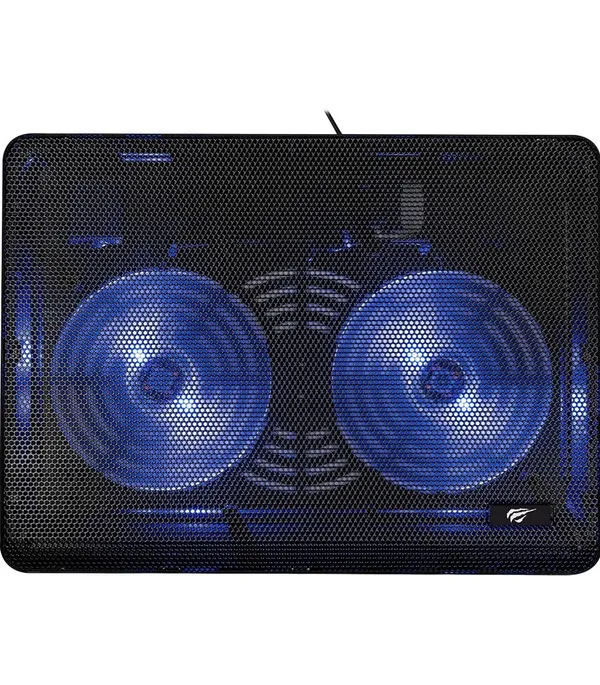
Deepcool U-PAL — Two 140 mm fans, angle adjustment, and USB 3.0 passthrough.
-
Deepcool N65 — Metal body with dual 140 mm fans, fold-out feet, and a dust filter.
-
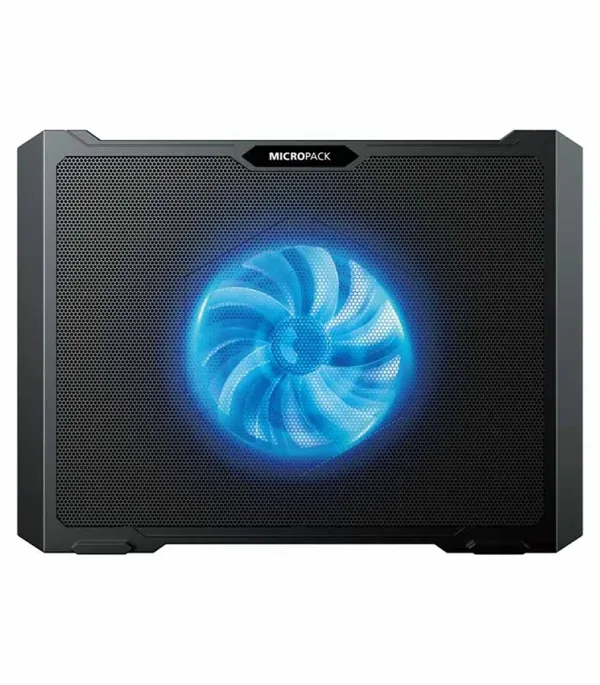
Cooler Master Notepal L1 — Quiet 160 mm fan, lightweight, and compatible with up to 17″ laptops.
-
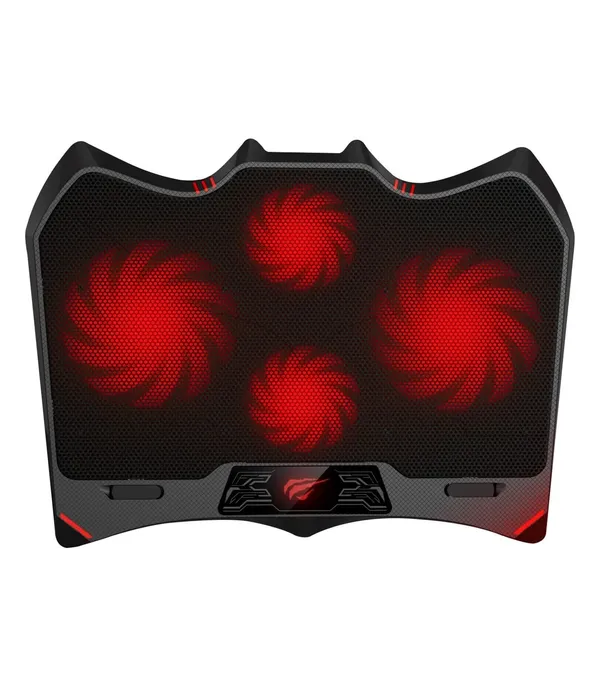
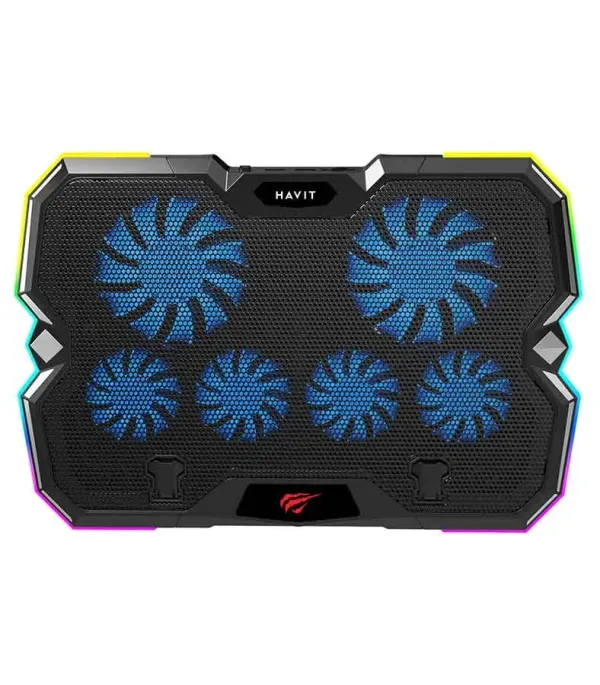
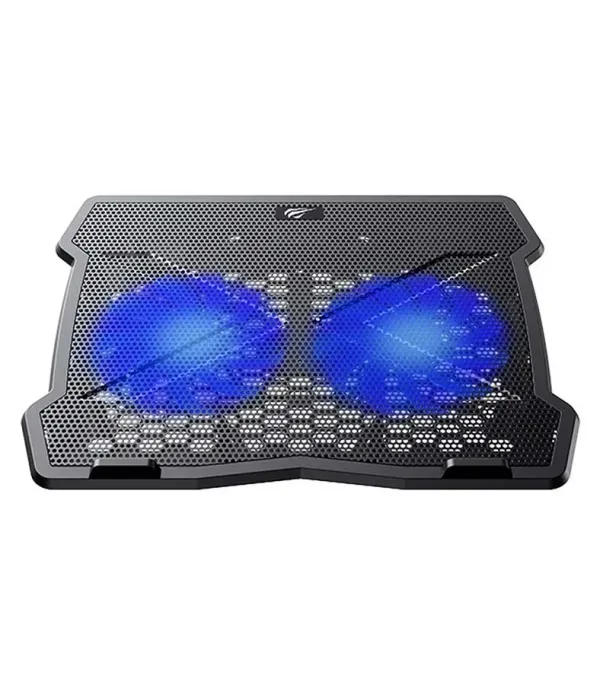
Havit F2081 Gaming Cooling Pad — Four fans, ergonomic multi-height settings, and RGB design.
-
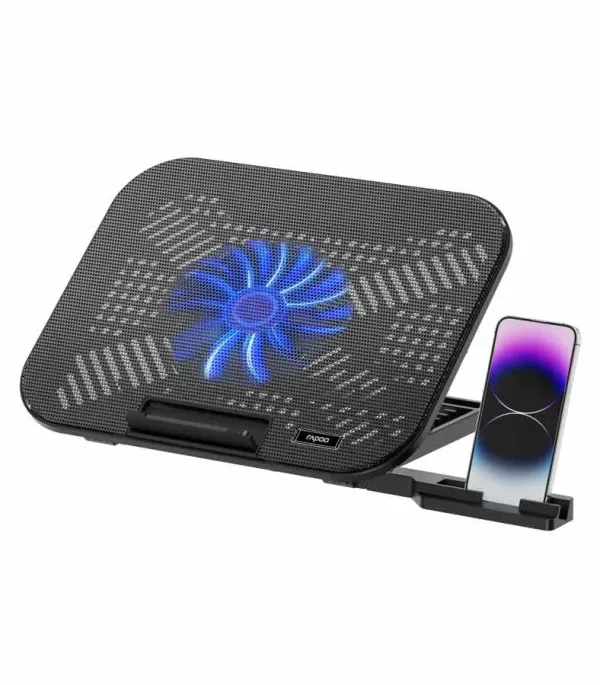
Rapoo CF200 — Two efficient fans, six height levels, a built-in phone stand, and low noise.
-
Suntech A8 — Affordable option (around ৳780), single 140 mm fan, adjustable speed, and quiet operation.
When a Cooling Pad Is Worth It
-
You use intensive apps (gaming, video editing, software development).
-
You’re working on soft surfaces (beds or couches) that block laptop vents.
-
Your laptop’s temperatures regularly go high and trigger performance drops.
Things to Be Cautious About
-
Some users report only modest temperature drops — “a few °C here and there.”
-
Dust can build up if the pad blows directly into your laptop vents.
-
For best results, combine a cooling pad with proper internal cleaning and good airflow.
কুলিং প্যাড (Cooling Pads)
কেন ল্যাপটপ কুলিং প্যাড প্রয়োজন
বাংলাদেশে গরম ও আর্দ্র পরিবেশে ল্যাপটপ সহজেই গরম হয়ে যায়—বিশেষ করে দীর্ঘ সময় ব্যবহারে বা গেমিং-এ। একটি কুলিং প্যাড অতিরিক্ত তাপ দূর করতে সাহায্য করে এবং আপনার ডিভাইসকে মসৃণভাবে চলতে দেয়, পারফরম্যান্স ড্রপ বা থ্রটলিং এড়ায়।
কোন কুলিং প্যাডটা বেছে নেবেন
-
ফ্যান লেআউট ও সাইজ: ডুয়াল বা কোয়াড ফ্যান বেশি এয়ারফ্লো দেয়; বড় ফ্যান কম শব্দ করে।
-
ইরগনমিক ডিজাইন: উচ্চতা সমন্বয় টাইপিং আর দিক পরিবর্তনে সহায়ক।
-
শব্দ স্তর: শান্ত পরিবেশে কাজ করলে কম dBA যুক্ত প্যাড বেছে নিন।
-
বিল্ড ম্যাটেরিয়াল: মেটাল মেশ হিট ডিচিপেশন-এ ভালো এবং প্লাস্টিক হালকা ও সস্তা।
-
এক্সট্রা পোর্টস: কিছু প্যাডে USB পাস-থ্রু থাকে, যাতে আপনি আপনার ল্যাপটপের পোর্ট হারান না।
বাংলাদেশে প্রচলিত জনপ্রিয় কুলিং প্যাড
-
Deepcool U-PAL — দুইটি ১৪০ মিমি ফ্যান, অ্যাঙ্গেল অ্যাডজাস্ট, ও ইউএসবি 3.0।
-
Deepcool N65 — মেটাল বডি, ডুয়াল ১৪০ মিমি ফ্যান, ফোল্ড-আউট ফুট, ডাস্ট ফিল্টার।
-
Cooler Master Notepal L1 — শান্ত ১৬০ মিমি ফ্যান, লাইটওয়েট, ১৭″ পর্যন্ত ল্যাপটপের জন্য পাওয়া যায়।
-
Havit F2081 গেমিং কুলিং প্যাড — চারটি ফ্যান, মোল্টি-হাইট সেটিংস, আর RGB ডিজাইন।
-
Rapoo CF200 — দুইটি কার্যকর ফ্যান, ছয়টি উচ্চতা স্তর, ইনবিল্ট ফোন স্ট্যান্ড, কম শব্দ।
-
Suntech A8 — কমদামি (~৳৭৮০), এক মাত্র ১৪০ মিমি ফ্যান, স্পিড অ্যাডজাস্টেবল, শান্ত অপারেশন।
কখন কুলিং প্যাড বেছে নেওয়া যুক্তিযুক্ত
-
আপনি গেম খেলে, ভিডিও এডিট করেন বা ভারি অ্যাপ চালান।
-
ল্যাপটপ এমন সফট সারফেসে (বেড, সোফা) ব্যবহার হয় যা ভেন্ট বন্ধ করে।
-
আপনার ল্যাপটপ প্রায়ই বেশি গরম হয়ে যায় এবং পারফরম্যান্স কমে যায়।
সতর্ক হওয়ার বিষয়সমূহ
-
কিছু ব্যবহারকারী মাত্র কয়েক ডিগ্রি তাপমাত্রা হ্রাস অনুভব করেন।
-
যদি প্যাড সরাসরি ল্যাপটপের ভেন্টে বাতাস ফেলে, তাহলে ধূলাবিস্তার সমস্যা হতে পারে।
-
সর্বোত্তম ফলাফলের জন্য, প্যাডের পাশাপাশি ল্যাপটপের ভিতরের ধূলা নিয়মিত পরিষ্কার করা উচিত।