
Optimize Your GPU Performance with Quality Graphics Card Fans
Why Graphics Card Fans Matter
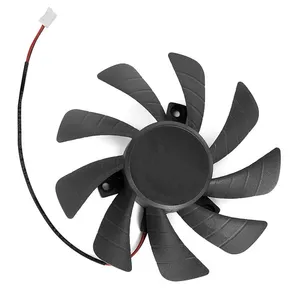
GPU fans are essential for keeping your graphics card cool under load. During gaming, rendering, or any graphics-intensive task, the GPU generates a lot of heat — and dedicated cooling fans help maintain safe temperatures, preventing thermal throttling and extending the card’s lifespan.
Some newer GPUs even support zero‑RPM or semi‑passive modes, where fans remain off under low load to reduce noise.
Types of GPU Fan & Cooling Designs
-
Axial Fans: The most common type. These push air directly over heatsinks to dissipate heat.
-
Blower (Centrifugal) Fans: Draw air in and exhaust it out of the back of the GPU — useful in compact cases.
-
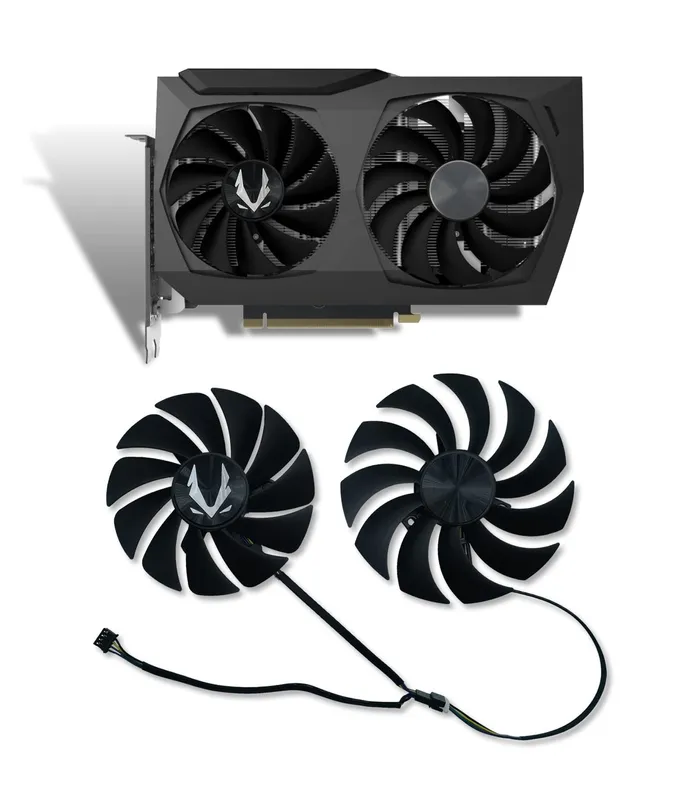
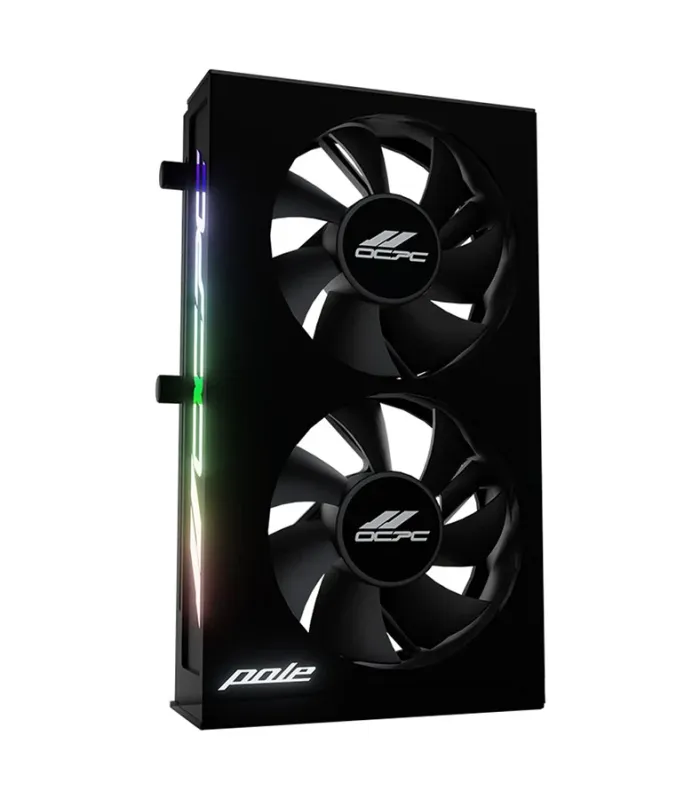
Multi-Fan Cooling: Many modern GPUs use two or three fans to improve thermal performance.
Key Factors to Consider
When evaluating GPU fan systems or aftermarket cooling:
-
Fan Curve: Customizing RPM vs. temperature helps balance noise and cooling.
-
Push vs. Pull: Some fans are designed to “push” air into the heatsink, while others “pull” away for more efficient exhaust.
-
Available Space: Aftermarket coolers (like big heatsinks + fans) may need more room inside your case.
-
Airflow & Case Design: Even the best GPU fans need good case airflow to perform optimally.
Common Use‑Cases & Benefits
-
Prevents thermal throttling, so your GPU runs at full speed when it matters.
-
Reduces noise by optimizing the fan curve for silence or performance, depending on your need.
-
Helps prolong GPU life by keeping the core, VRAM, and VRMs cooler and more stable.
গ্রাফিক্স কার্ড ফ্যান দিয়ে আপনার GPU পারফরম্যান্স বাড়ান
কেন GPU ফ্যান জরুরি
GPU ফ্যান গ্রাফিক্স কার্ডকে ভারী কাজের সময় ঠান্ডা রাখতে অপরিহার্য। গেমিং, রেন্ডারিং বা অন্য যে কোন গ্রাফিক্স-ইন্টেনসিভ কাজে GPU বড় মাত্রায় তাপ তৈরি করে — এবং স্পেশাল ফ্যানগুলোর মাধ্যমে নিরাপদ তাপমাত্রা বজায় রাখা যায়, ফলে থ্রোটলিং কমে যায় এবং কার্ডের আয়ু বাড়ে।
নতুন কার্ডগুলোর মধ্যে অনেকেই জিরো‑RPM বা সেমি‑প্যাসিভ মোড সাপোর্ট করে, যেখানে লো লোডে ফ্যান বন্ধ থাকলেও শব্দ কম থাকে।
GPU ফ্যান ও কুলিং ডিজাইনের ধরন
-
অ্যাক্সিয়াল ফ্যান: সবচেয়ে সাধারণ ধরনের ফ্যান, যা হিটসিংকের ওপর সরাসরি বাতাস দেয়।
-
ব্লোয়ার (সেন্ট্রিফিউজ) ফ্যান: এয়ার কার্ডের ভিতর থেকে নিয়ে গিয়ে পিছনের দিক থেকে বের করে দেয় — কম কেস স্পেসে কার্যকর।
-
মাল্টি-ফ্যান কুলিং: অনেক আধুনিক GPU দুই বা তিনটি ফ্যান ব্যবহার করে তাপ নিয়ন্ত্রণে।
বিবেচনা করার বিষয়
GPU ফ্যান সিস্টেম বা আফটারমার্কেট কুলার বাছার সময়:
-
ফ্যান কার্ভ: তাপমাত্রা অনুযায়ী RPM কাস্টমাইজ করলে শব্দ ও কুলিং‑ব্যালান্স ভালো করা যায়।
-
পুশ বনাম পুল: কিছু ফ্যান হিটসিঙ্কে “পুশ” করে বাতাস ঢুকায়, অন্যরা “পুল” করে উত্তপ্ত বাতাস বাইরে বের করে।
-
স্পেস: আফটারমার্কেট কুলার (বড় হিটসিঙ্ক + ফ্যান) ইনস্টল করার জন্য কেসে পর্যাপ্ত জায়গা থাকা দরকার।
-
কেস এয়ারফ্লো: ভালো কেস এয়ারফ্লো ছাড়া GPU ফ্যান শেষ প্রাণচাঞ্চল্য দিতে পারে না।
ব্যবহার ও সুবিধাসমূহ
-
থার্মাল থ্রোটলিং প্রতিহত করে যাতে আপনার GPU সর্বোচ্চ গতিতে কাজ করতে পারে।
-
শব্দ নিয়ন্ত্রণ করা যায় ফ্যান কার্ভ কাস্টমাইজ করে — পারফরম্যান্স বা শান্ততা অনুযায়ী।
-
GPUয়ের আয়ু বৃদ্ধি করে, কারণ কোর, VRAM ও VRM-কে ঠান্ডা রাখে।