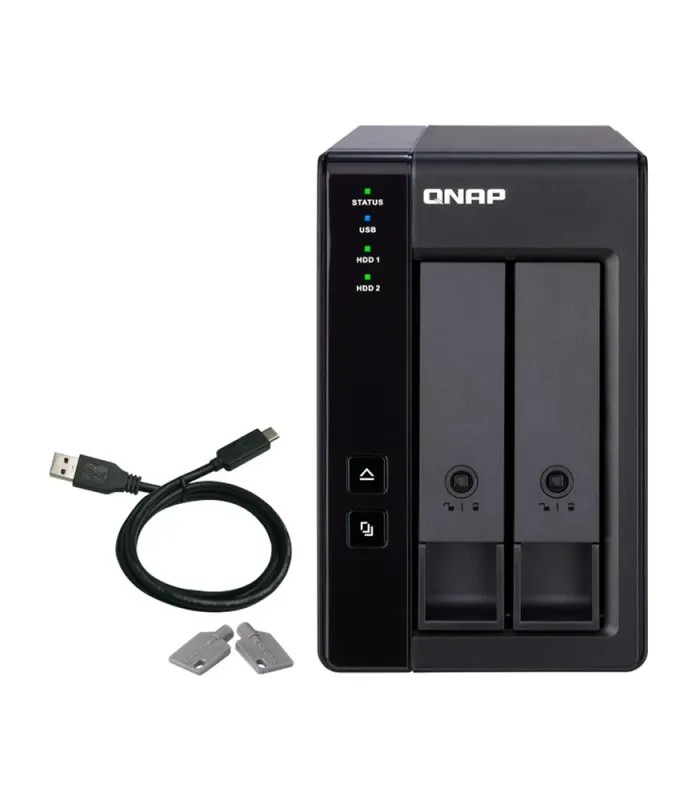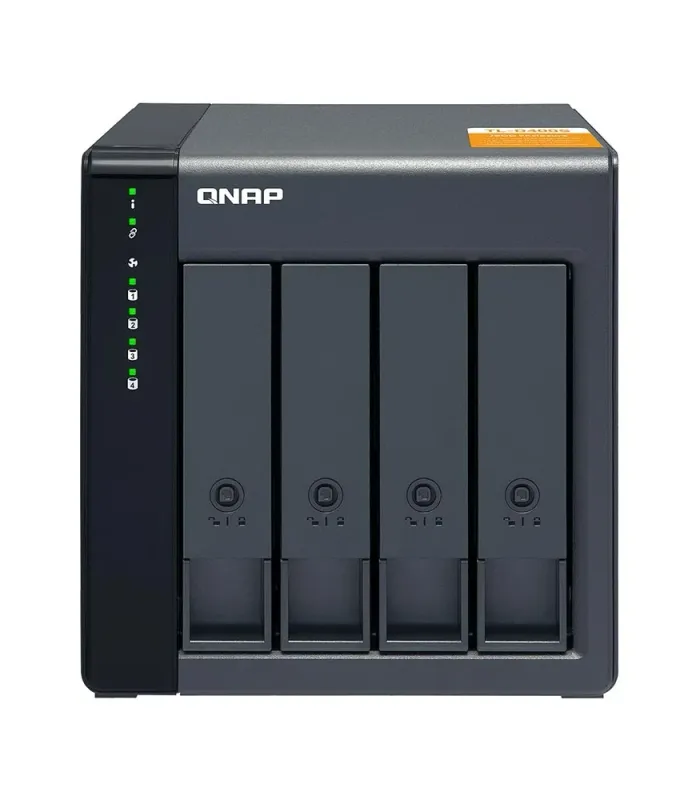
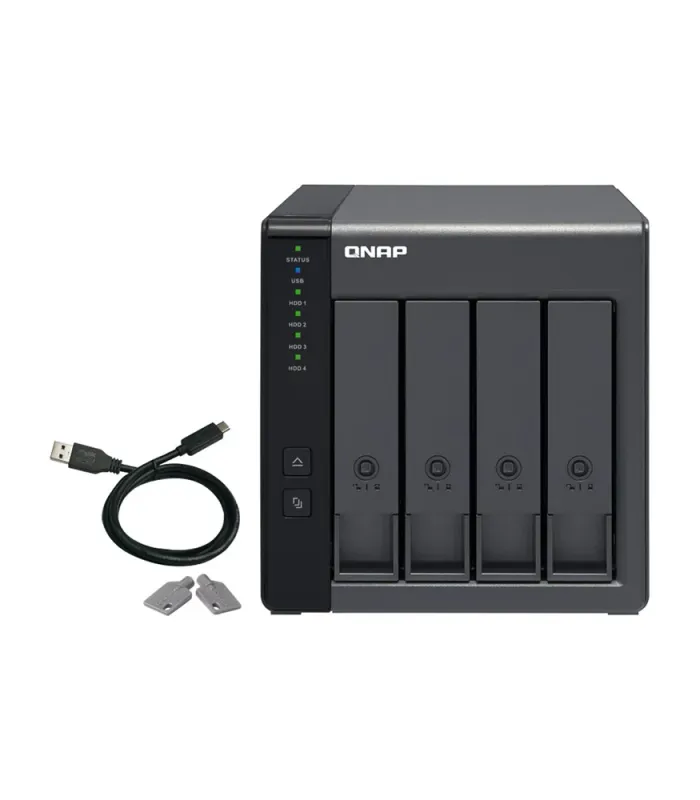
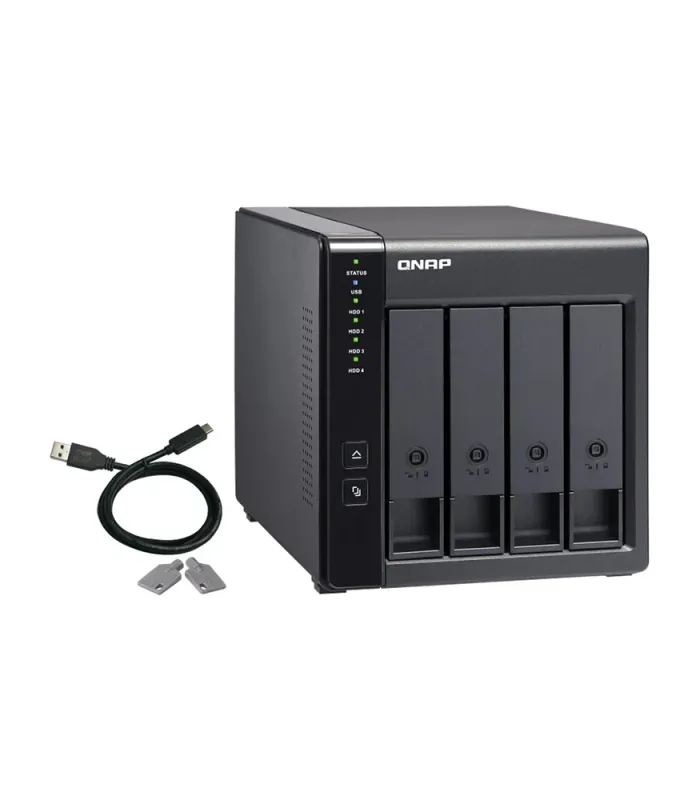
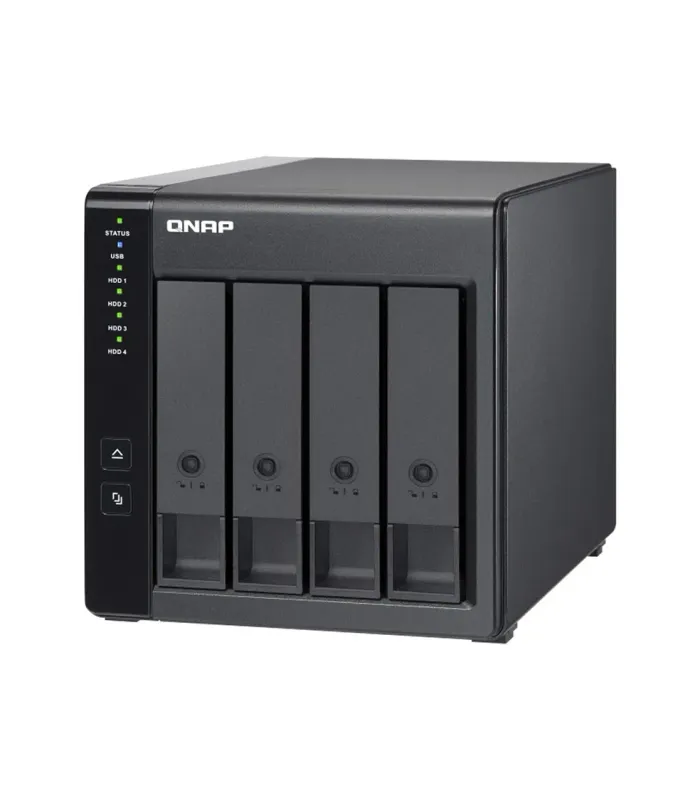
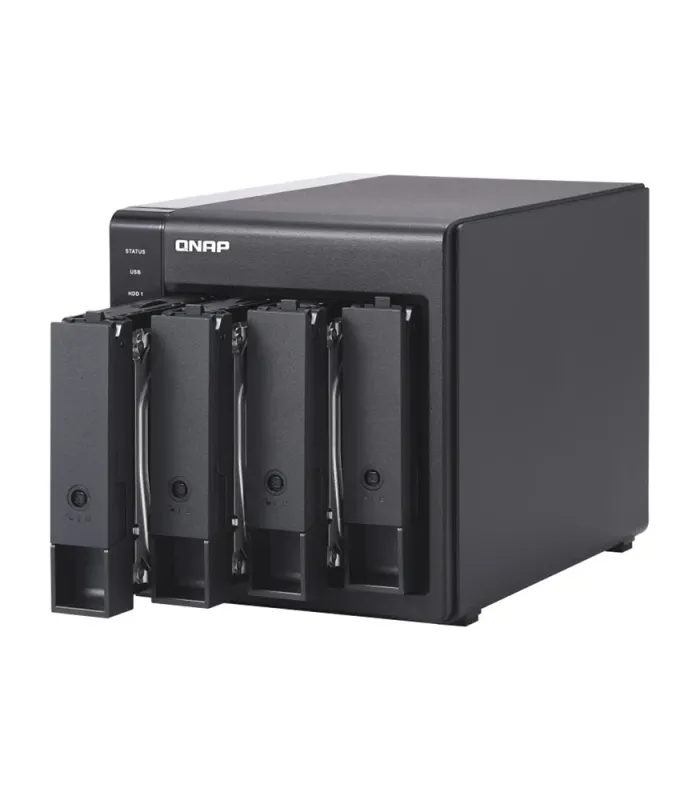
QNAP TR-004 4 Bays Type-C USB / SATA III Expansion Unit – Expand Your Storage Now (Backorder)
Price
| CPID | 10006773 |
|---|
Product details
The QNAP TR-004 4 Bays Type-C USB / SATA III Expansion Unit is a powerful storage solution designed to help you expand your network storage with ease. Featuring four bays and both USB Type-C and SATA III interfaces, this expansion unit provides a seamless way to increase your storage capacity and manage data efficiently.
With support for RAID 0, RAID 1, RAID 5, RAID 10, and JBOD configurations, the TR-004 allows you to customize your storage setup to fit your needs, whether you want performance, redundancy, or a mix of both. Its USB 3.2 Type-C connectivity ensures fast data transfer speeds for smoother access to your files and seamless data sharing across multiple devices.
The QNAP TR-004 is compatible with QNAP NAS, as well as other devices that support USB and SATA III interfaces, making it a versatile choice for expanding storage for both personal and business use.
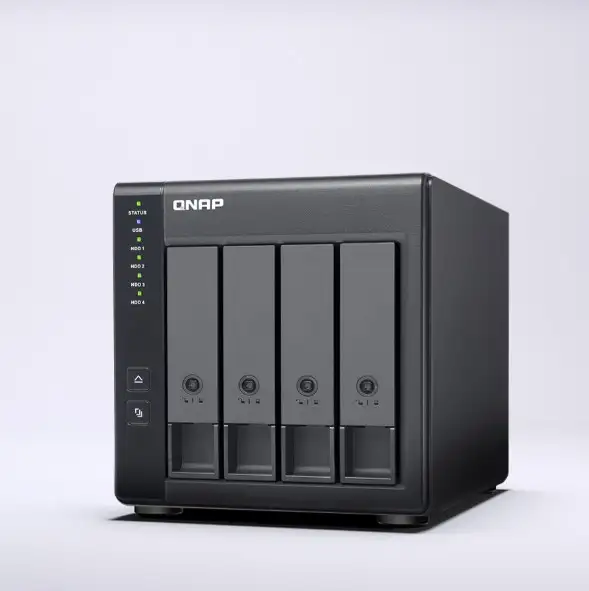
Effective storage expansion with RAID Support
The TR-004 is an ideal storage expansion solution for PCs, especially for laptops which lack the ability to install larger, higher-capacity drives. Featuring four 3.5-inch SATA drive bays and supporting RAID configuration, the TR-004 provides the ability to store a vast number of files and data and to ensure protection against potential drive failure.

Flexible storage configuration and management
Compared with other RAID enclosures, the TR-004 provides software-controlled configurations for greater management flexibility. Users can configure RAID and monitor disk health using Storage & Snapshots Manager on a QNAP NAS, or by using the QNAP External RAID Manager utility on their computer.
Use Storage & Snapshots Manager to configure the TR-004 as a storage expansion unit for your QNAP NAS. In addition to RAID configuration, the NAS expansion storage mode supports various NAS functions, including storage pools and snapshots. By choosing external storage mode, you can use the TR-004 as a DAS.

The QNAP External RAID Manager is a utility for Windows and Mac users to set up, monitor, and view the status of the TR-004. Users can easily configure RAID groups on the TR-004 and quickly obtain the status of RAID performance and health at a glance.

External storage for your NAS
Use the TR-004 as external storage for your NAS

External storage for your NAS
Instead of using the TR-004 to expand the capacity of your QNAP NAS, you can use it as a complimentary storage unit for backing up or moving data. It also allows you to physically migrate huge data collections that would require significant network bandwidth. While connected to the NAS, you can monitor the health and status of the TR-004 by using the Storage & Snapshots Manager on the NAS.

Expand the storage space of your computer
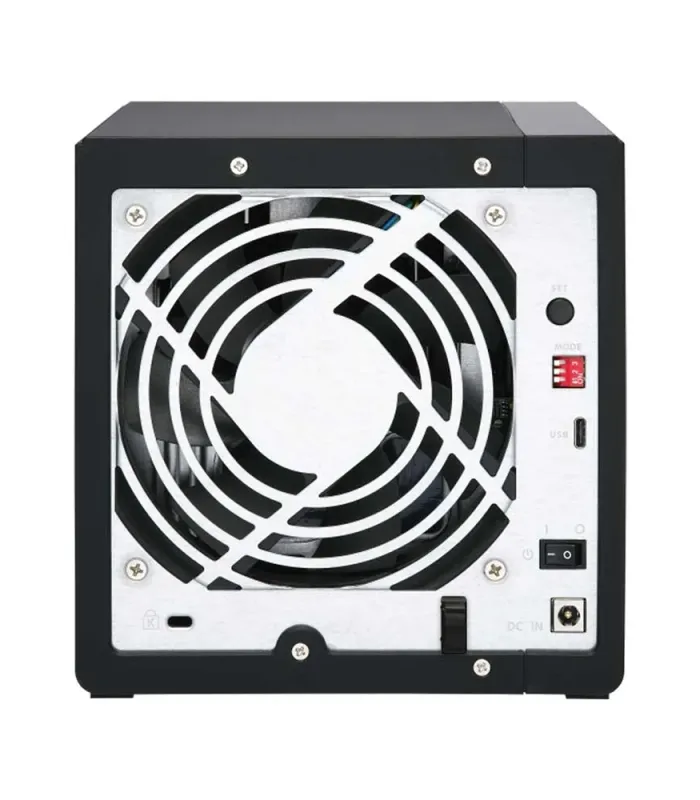
The TR-004 can quickly add storage space to your computer. You can use the DIP switch to configure a hardware RAID mode or manage it by using the QNAP External RAID Manager utility. The health and status of the TR-004 can also be monitored by using the QNAP External RAID Manager utility.

Cross-platform file sharing
From your NAS to Windows, Mac, and Linux computers, the TR-004 is compatible with a wide range of devices. This makes it ideal for quickly moving large files between different devices. The TR-004 is even compatible with devices that use the exFAT file system, adding further convenience for accessing and sharing files from a wider range of devices
Why Choose QNAP TR-004?
- 4-bay design for massive storage expansion.
- USB Type-C and SATA III for optimal connectivity and fast data transfer speeds.
- Supports RAID 0, RAID 1, RAID 5, RAID 10, JBOD for flexible storage configurations.
- Hot-swappable drives for easy management and upgrades.
Features of QNAP TR-004:
- 4-bay storage design allows for more data storage options.
- Supports RAID configurations for enhanced data protection and speed.
- USB 3.2 Type-C for fast and reliable data transfer.
- Plug-and-play functionality for easy setup.
- Compatibility with various operating systems including Windows, macOS, and Linux.
Perfect For:
- Home users looking for expanded storage for media libraries, backup, and file sharing.
- Small to medium-sized businesses needing reliable, scalable storage solutions.
- IT professionals seeking an affordable and high-performance storage expansion option.
Specification
| Brand | QNAP |
| Model | QNAP TR-004 |
| Processor Model | No |
| RAM | No |
| Bays | 4 Bay |
| Drive Type | 2.5/3.5-inch SATA HDD & 2.5-inch SATA SSD |
| Max. Capacity | Unmentioned |
| Display | No |
| LAN Port | No |
| Dimensions (mm) | 168.5 x 160.2 x 219 |
| USB Port | 1 x Type-C USB 3.2 Gen 1 |
| Features | System modes: Individual, JBOD, hardware RAID 0/1/5/10, Software CTRL, Minimum operating system requirements: QTS 4.3.6 or later, Windows 8.1 or later, macOS X 10.11 or later. 5-speed fan, S.M.A.R.T. monitoring, RAID rebuild/recovery, Snapshot Manager, Snapshot Cloning/Replica/Vault, RAID expansion, and external RAID software configuration |
| Software Utility | QNAP External RAID Manager for disk monitoring, configuration, RAID rebuild speed customization, firmware update, event logging, and notification features |
| Supported File Systems | NAS storage (EXT4), External HDD (EXT3, EXT4, NTFS, FAT32, HFS+, exFAT) (Note: exFAT driver license required for QNAP NAS) |
| Power Supply Unit | Minimum 60W adapter (12VDC), 100-240VAC |
| Power Consumption | HDD Sleep Mode: 4.17 W, Operating Mode: 18.21 W |
| Fan | 1 x 120mm, 12VDC |
| Operating Temperature | 0°C – 40°C (32°F – 104°F) |
| Storage Temperature | -20°C – 70°C (-4°F – 158°F) |
| Relative Humidity | 5-95% RH non-condensing, wet bulb: 27°C (80.6°F) |
| Weight | 3.18 kg |
| Country Of Origin | Taiwan |
| Made in/Assemble | Taiwan |
Compatible Brands and Devices:
Works seamlessly with QNAP, Synology, and other NAS systems, as well as Windows, macOS, and Linux devices.